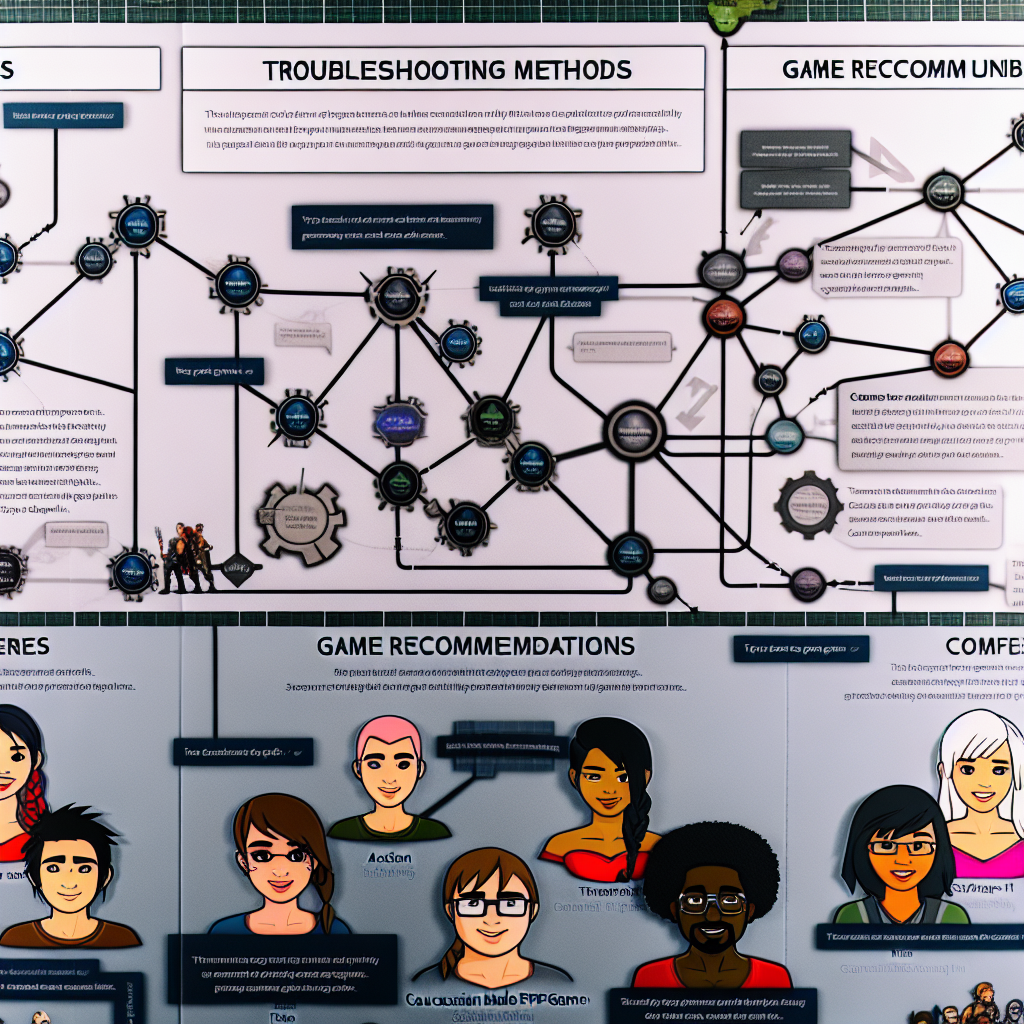
# The Ctrl Alt Guide to Steam: Troubleshooting, Games, and Community
Whether you’re a seasoned gamer or a casual player, navigating the vast landscape of Steam can sometimes feel overwhelming. With technical issues, game suggestions, and community interactions, the process requires sharp strategy and an analytical mindset. Here’s your all-in-one guide to maximizing your Steam experience, tailored for today’s tech-savvy millennials and Gen Z.
## Troubleshooting Like a Pro
All gamers encounter issues – from account hijacks to download errors. The first step in troubleshooting is knowing where to turn for help.
### Account Safety First
If you suspect your Steam account has been compromised, don’t panic. Start by following the official recovery procedures provided by Steam. They have extensive guides to walk you through the recovery process without losing your precious game library.
If you’re experiencing connection issues while trying to access Steam, try troubleshooting your internet. Check if the problem is specific to Steam or if other applications are affected. If it’s a Steam-only issue, try reinstalling the application – this won’t delete your games, but fixes a multitude of problems quickly.
### Gather Information
When seeking help in forums, the details matter. Instead of asking vague questions like, “Why won’t my game launch?”, provide specifics: the game’s name, any error codes, and a brief history of when the issue began. Screenshots, crash logs, and your system specs will significantly increase your chances of finding a speedy solution.
Remember, the community thrives on clarity. A well-structured query invites more constructive responses, so take a moment to formulate your questions thoughtfully.
### Utilize Community Resources
If the responses you’re getting feel sparse, explore other avenues. The Steam Community Forums and subreddits like /r/SteamSupport can be invaluable. Remember, each game often has its dedicated subreddit where you can find niche support.
### Know What Steam Support Can’t Do
Personal account issues, especially those involving payments, fall under the purview of Steam Support directly. Although community members can help troubleshoot, only official support can resolve sensitive payment and login inquiries. Also, keep in mind that no one can help you reclaim lost items due to scams – the best prevention is an educated approach to security.
## Playing It Smart: Game Suggestions Thread
So, you’re in the mood to game but unsure of what to play next? Welcome to the Monthly Game Suggestions Thread, your go-to oasis for fresh recommendations.
### The Art of the Game Query
A bland “What should I play?” won’t yield much help. Instead, be specific. Are you in the mood for a heart-pounding survival sim or perhaps an immersive RPG? Detail your preferences – mentioning the types of gameplay you enjoy or games you loved in the past will lead to richer suggestions.
### Recommendations Beyond the Basics
When providing recommendations, don’t just throw out titles. Instead, share what makes the game unique. Discuss its mechanics, the story, art style, or even the community dynamics. This enriches the conversation and assists others in making informed choices.
### Dive into Discussions
The Monthly Game Suggestions Thread isn’t just about asking and answering; it’s a community hub for gaming discourse. Feel free to discuss sales, share hidden gems, or dissect the latest gaming trends. The more you engage with the community, the better your gaming experience will become.
## Current Trends: The State of Battlefield 6
In recent discussions, Battlefield 6 has surfaced as one of the lowest-rated games in the franchise on Steam. As a millennial or Gen Z gamer, understanding the implications of these ratings is vital for making purchasing decisions.
### Quality Over Hype
Low ratings could indicate issues like server stability, bugs, or disappointing gameplay. It’s essential to read community reviews and opinions before investing in a game – especially one that may not live up to the legacy of its predecessors.
### The Power of Discussion
Engage with community threads discussing the game’s flaws or merits. Your fellow gamers can save you time and money by sharing firsthand experiences. It’s all about leveraging the collective knowledge of your peers to make smarter choices.
## Seizing Multiplayer Opportunities: The 4-Pack Purchase Dilemma
Let’s say you want to buy a game in a 4-pack for you and your friends, but there’s confusion about receiving the correct number of game copies. Keep these tips in mind:
### Understanding Steam’s Pricing Model
When purchasing a 4-pack, it’s crucial to ensure you understand how the distribution works. Fortunately, buying collectively not only saves money but also makes for a reliable gaming experience among friends. Just remember that the logistics depend on how Steam organizes these transactions.
### Communication is Key
Discuss with your friends to confirm that they’ll reimburse you promptly. Clear communication helps avoid any misunderstandings, ensuring that everyone has a copy of the game ready to go once it’s purchased.
## Conclusion: A New Era of Gaming Awaits
Navigating Steam can be both rewarding and challenging, but with this guide, you’re well-equipped to face any hurdles. From troubleshooting your setup to exploring the best games, community engagement is your best asset. Embrace the spirit of collaboration and keep learning – your ultimate gaming experience awaits.
### Quick Takeaway
Whether you’re sorting out an account issue or searching for your next obsession, remember to ask the right questions, engage with your gaming community, and always prioritize your account security. Happy gaming!