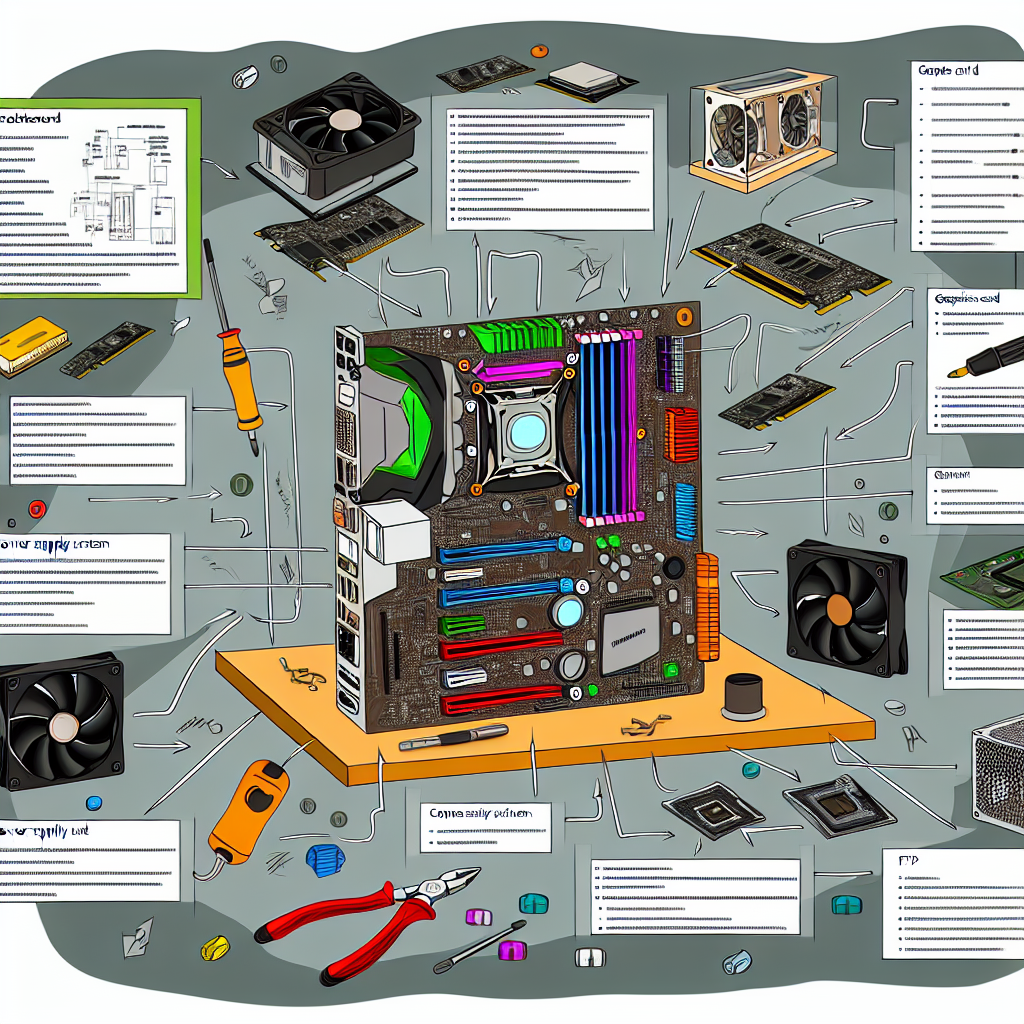
# Ctrl Alt Perspective: Navigating the PC Build Landscape
Building a PC is an exhilarating yet daunting adventure, often likened to assembling a puzzle from countless pieces. For tech-savvy millennials and Gen Z enthusiasts, it’s more than just putting components together—it’s a rite of passage. However, as technology evolves at an unprecedented pace, first-time builders can feel submerged in choices ranging from component specifications to aesthetic designs. Here, we’ll unpack some of the common dilemmas faced by novice builders while ensuring the discussion remains accessible to all.
## The Price Tag Dilemma: Finding Your Balance
Picture this: you’ve set your eyes on a high-end rig, perhaps an AMD Ryzen 9 9950X3D partnered with a top-tier ASUS TUF Gaming GeForce RTX 5070 Ti, and suddenly the total cost exceeds $2,500. At this juncture, many new builders start pondering—was it worth it? The key takeaway here is balance. You want a machine that aligns with your needs without severely straining your wallet.
### What’s in Your Cart?
When investing in high-end components, a critical question arises—how long do you plan to keep this setup? For casual gamers or content creators, opting for a mid-range GPU and a competent CPU often stretches your budget further while still delivering a satisfactory performance across most gaming titles. Understanding your use case is pivotal, as not every user requires the latest technology to enjoy a seamless experience.
### Consider Longevity and Compatibility Before You Buy
Before clicking ‘purchase’ on that flashy motherboard or enhanced memory, take a moment to consider the longevity and compatibility of your selected parts. The community offers countless tales of builders who let aesthetics dictate their decisions—RGB lighting can be tempting, but it’s essential not to lose sight of underlying performance. Sometimes, a humble setup can deliver better value and enhanced durability.
## Oops, I Did It Again: Common Mistakes in Building
Envision the scenario: you’ve spent hours piecing together what should be your dream rig, adorned with glowing LED lights. Yet, when you finally hit that power button: silence. This prevalent mishap stems from overlooked connections—it’s easy to miss crucial components like the CPU power cable.
### The Tech Black Hole
Expecting everything to power up without a second glance is a trap many novice builders fall into. Double-checking connections can be your lifesaver, preventing long periods of frustration from a perceived dead build. Community forums abound with troubleshooting tips that are invaluable for ensuring your build is functional on that first attempt.
## Understanding RAM: Beyond Just Numbers
One hot topic in PC discussions revolves around RAM speed. Whether eyeing DDR5 5600MHz or the elusive 6000MHz CL30, what’s paramount isn’t just the metrics but understanding your computing needs.
### Can You Feel the Difference?
In gaming, a higher RAM speed can indeed yield marginal performance improvements, particularly in graphics-heavy games. However, the real impact varies based on your system configuration and usage. Running titles at 1440p resolution with a robust GPU may render the extra MHz irrelevant. Analyzing your core applications is crucial—prioritize what enhances your experience.
### Finding the Sweet Spot
Conversations within the community often herald 6000MHz as the ‘sweet spot,’ mirroring the evolving dynamics of gaming performance. However, ‘best’ is subjective. Depending on what applications you regularly use, sometimes a mid-range option may grant a reliable experience without obsessively chasing ever-increasing numbers.
## The FPS Conundrum: How Much Is Enough?
For FPS aficionados, the debate continues—how many frames per second enhance gameplay? Many assert that a higher FPS leads to better gameplay experience, but that’s heavily contingent upon your display’s refresh rate.
### Identifying Your Frame Rate Sweet Spot
For instance, if you own a 2k monitor boasting a 170Hz refresh rate, pushing your hardware to achieve excessive FPS beyond capacity might be unnecessary. Instead, experts recommend maintaining a stable frame rate within your monitor’s specifications, focusing on usability rather than flashy numbers.
### Bottom Line
While building or upgrading your PC, it’s crucial to focus on optimizing your experience without being sidelined by marketing buzzwords. Dive into the specifics of your needs, conduct thorough research, and leverage insights from the community that can steer your decision-making.
## Conclusion: The Balanced Build
Navigating the intricate world of PC building need not be a maze laden with confusion; it’s fundamentally about striking a balance between desires and practical requirements. Whether evaluating performance capabilities, aesthetic designs, or budgeting constraints, informed choices fortified by community knowledge can enhance the building experience.
### Your Takeaway
As you embark on your PC-building journey or scout for future upgrades, strive not to become ensnared in the technical jargon. Reflect on your unique usage patterns, educate yourself, and trust your instincts. Your ultimate goal isn’t just to craft a state-of-the-art machine; it’s about personalizing a tech masterpiece that fuels your passions.
What has your experience been with building or upgrading PCs? Have you encountered similar dilemmas, and how did you navigate them? Together, let’s explore the evolving landscape of technology and its implications for the future of gaming and tech enthusiasts alike.